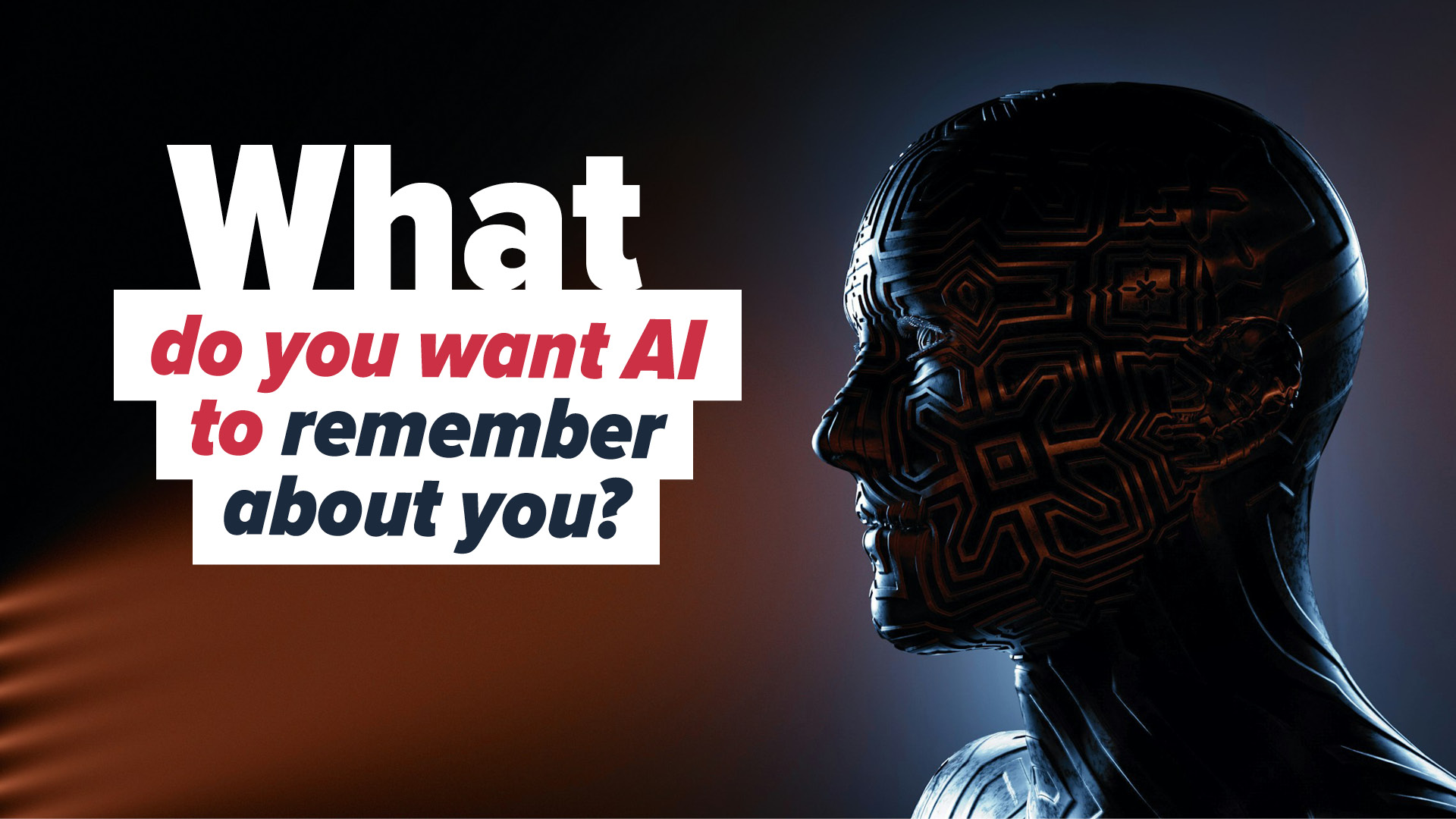
How much should AI really know about you?
Microsoft is starting to answer that question with a big update to Copilot — and it’s a smart one.
Until now, Copilot has been great for quick wins:
– Summarizing documents
– Drafting emails
– Answering questions on the fly
But every conversation has basically been a reset.
Like meeting a helpful assistant who forgets you the moment you walk away.
That’s about to change
Copilot is getting memory — your way
Microsoft is rolling out memory management for Copilot.
You’ll be able to:
- Explicitly tell it “remember this”
- View everything it has stored about you
- Edit or delete memories whenever you want
So yes, Copilot can build real context about you and your business…
but you stay firmly in control of what it keeps and what it forgets.
Why this actually matters
Now imagine Copilot remembering:
- How your team writes reports
- The clients you work with most
- The proposal formats or tone you prefer
No more repeating the same instructions.
No more re-explaining how you like things done.
Just faster work, fewer interruptions, and less friction.
And if something changes?
You update the memory — or wipe it — instantly.
There’s more coming…
This update also expands Copilot Connectors.
Right now, Copilot can work with OneDrive.
Soon, it will connect to Google Drive too.
That means you’ll be able to:
> Ask Copilot to summarize folders
> Pull insights from stored documents
> Find what you need without opening file after file
Over time, even more services are expected to plug in — creating a much more connected way to work with your data.
The big picture
These features are rolling out across web, Windows 11, and mobile.
Some will likely be free, others may land in paid Copilot tiers.
But the direction is clear:
Copilot is becoming a smarter, more personal assistant —
one that learns from you without taking control away from you.
And that balance?
That’s what makes this update a big deal.
If you’re curious what Copilot could look like inside your business, let’s talk.