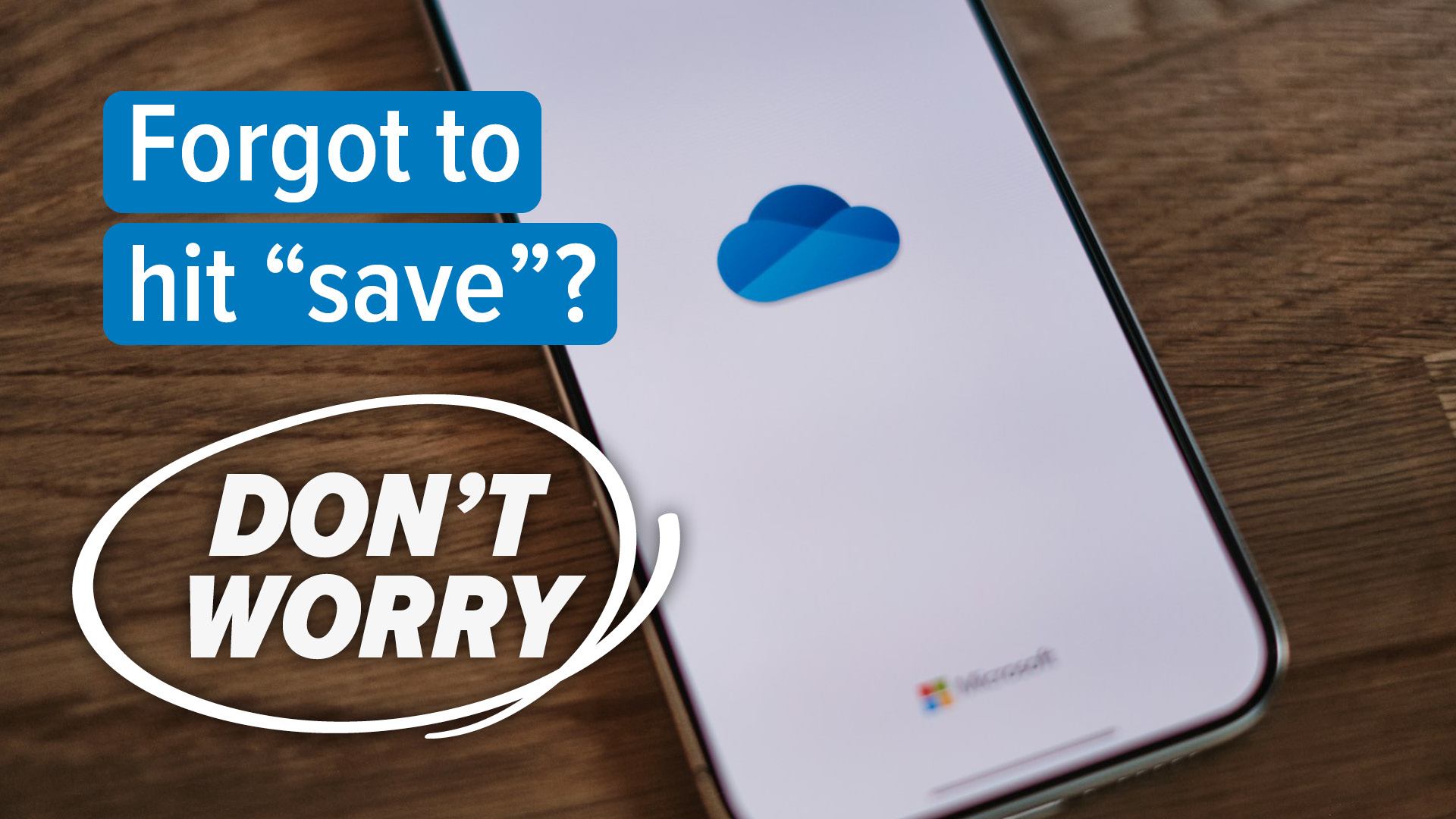
Be honest… how many times have you lost a Word document because you forgot to hit Save?
We’ve all been there.
A power outage.
A laptop crash.
One accidental click on the X.
And just like that—hours of work are gone.
Well, Microsoft has finally said, “Enough.”
Word is changing how saving works
From now on, new documents in Microsoft Word will automatically save to OneDrive by default.
That means:
- Autosave is on from the start
- Your work is backed up instantly
- You can pick up where you left off on any device
Close the file by mistake?
Laptop restarts?
Coffee meets keyboard?
No problem. Your document is sitting safely in the cloud, right where you left it.
For anyone who’s ever lost an important report, proposal, or invoice, this probably sounds like a dream come true.
But not everyone’s celebrating
As you’d expect, there’s another side to this.
Some people aren’t thrilled about every new document being uploaded automatically. They want to decide where files live—especially when sensitive information is involved.
Then there’s privacy.
Microsoft says your files are secure and only accessible to you, but for some users, “local only” still feels safer and more in control.
You’re not locked in (but you might not notice)
To be fair, Microsoft isn’t forcing anyone’s hand. You can turn this behavior off and go back to saving files manually.
The catch?
Many people won’t realize the change has happened at all.
Word will just quietly back everything up in the background—no prompts, no warnings.
What this really tells us
This isn’t just about saving files. It’s a clear signal of where Microsoft is headed.
OneDrive is becoming the central hub for your work. And with Microsoft Copilot features expanding, that makes a lot of sense.
Soon, you won’t need to remember filenames or folder structures at all. You’ll just ask Copilot to:
- Find a document
- Summarize it
- Edit it
- Or pull key information instantly
No digging. No hunting. No “Where did I save that again?”
So… great idea or terrible move?
Honestly? It depends on how you like to work.
If you value simplicity, peace of mind, and automatic backups, this is a huge win.
If you prefer full control and keeping things local, it might feel like Word is making decisions for you.
Either way, one thing is clear:
The days of losing an unsaved Word masterpiece are officially numbered.