We’ve all seen them.
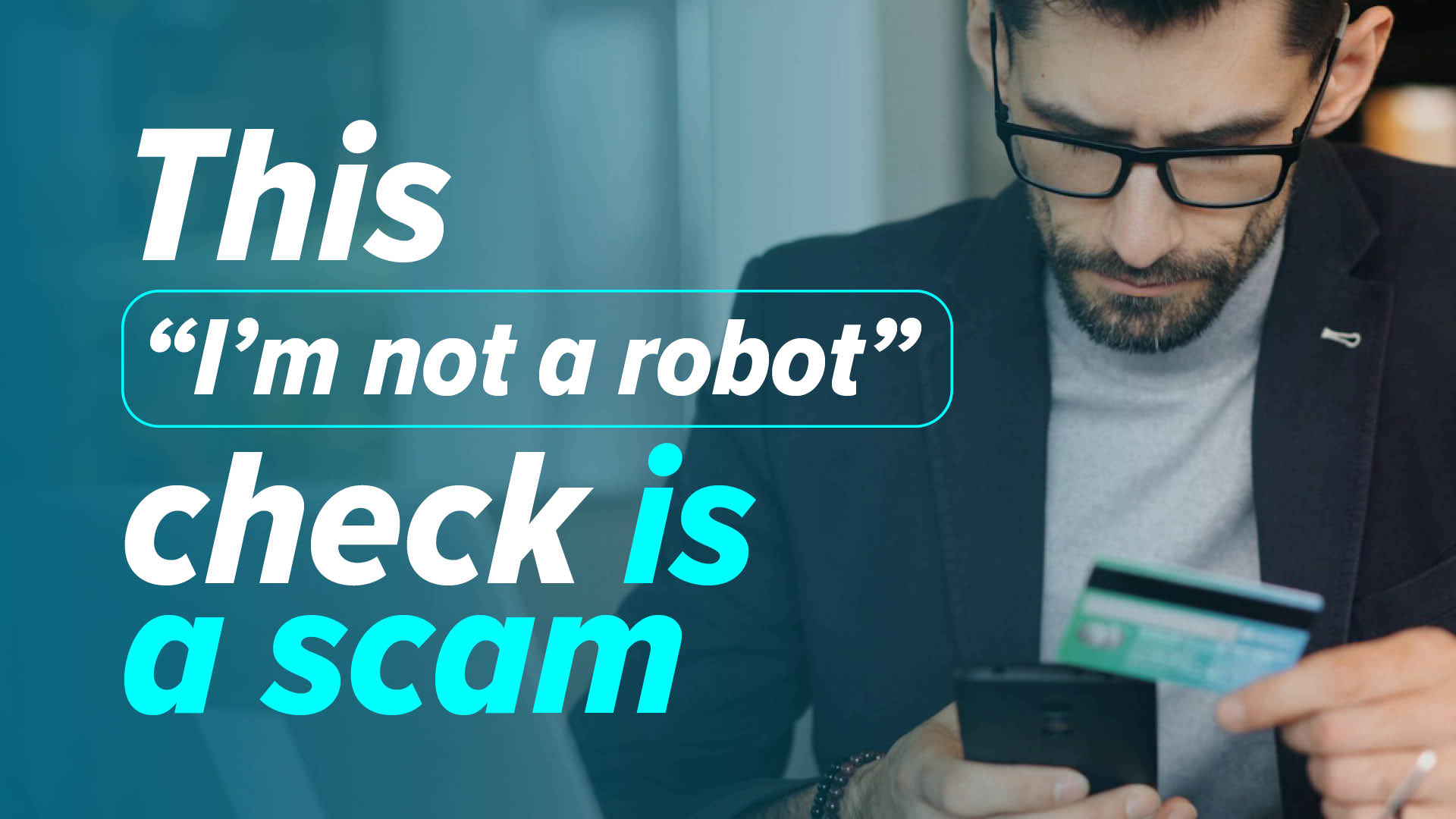
“Click the box to prove you’re not a robot.”
Whether you’re logging into a website, downloading software, or accessing an online form, CAPTCHAs have become part of everyday life for two decades.
Most of us don’t even think about them anymore.
And that’s exactly what cybercriminals are counting on.
A growing number of fake CAPTCHA pages are being used to trick people into actions that seem perfectly normal—but can ultimately cost businesses money, expose sensitive information, or even install malware.
For New Jersey businesses, it’s another reminder that today’s cyberattacks don’t always rely on sophisticated hacking. Instead, they exploit something much simpler: habit.
Why Fake CAPTCHAs Are So Effective
Cybercriminals understand human behavior. People trust familiar experiences.
When employees see a CAPTCHA, they don’t stop to analyze it—they complete it and move on.
That’s why attackers are increasingly creating convincing fake CAPTCHA pages that look completely legitimate.
The original article explains that these fake pages often ask users to complete an unusual verification process—such as sending a text message instead of clicking images—and many people don’t realize anything is wrong until much later.
The page feels familiar. The request seems reasonable.
And before the user realizes what’s happened, they’ve already taken the first step in the attack.
What Makes This Scam Different?
Traditional CAPTCHA tests usually ask you to:
- Click a checkbox
- Identify traffic lights
- Select bicycles
- Match images
That’s what people expect.
These fake versions change the process just enough to avoid suspicion.
For example, the page may ask you to:
- Send a pre-written text message
- Copy and paste a command
- Click an unfamiliar verification button
- Complete an unusual browser action
Because users are already expecting to “prove they’re human,” they often comply without questioning why the process looks different.
That moment of trust is exactly what attackers exploit.
The Hidden Cost
Some fake CAPTCHA scams trigger premium-rate international text messages.
At first, nothing appears wrong. The message is sent. The page disappears.
The user moves on with their day.
Weeks later, unexpected charges begin appearing on the phone bill.
By then, most people have forgotten the website they visited.
Other fake CAPTCHA attacks are even more dangerous.
Some attempt to:
- Install malware
- Download ransomware
- Steal passwords
- Capture browser credentials
- Install remote access software
What begins as a simple “I’m not a robot” verification can quickly become a significant cybersecurity incident.
How Employees End Up on These Pages
Many people assume they’d never visit a malicious website. Unfortunately, that’s not how these attacks usually happen.
Employees may be redirected through:
- Compromised websites
- Malicious online advertisements
- Search engine poisoning
- Fake software download pages
- Phishing emails
- Social media links
The destination often appears trustworthy.
By the time users recognize something is unusual, they’ve already been guided through several seemingly legitimate steps.
Why This Matters for NJ Businesses
Businesses throughout New Jersey rely on employees making hundreds of online decisions every day.
- Opening emails
- Downloading files
- Logging into applications
- Visiting websites
Most of those actions happen quickly because employees are focused on doing their jobs.
Cybercriminals know that. They’re no longer trying to outsmart firewalls.
They’re trying to outsmart people.
That’s why employee awareness remains one of the most important investments a business can make.
Warning Signs Employees Should Know
One of the simplest ways to reduce risk is teaching employees what a legitimate CAPTCHA should—and shouldn’t—do.
A CAPTCHA should never ask users to:
- Send a text message
- Download software
- Copy commands into Windows
- Disable browser security
- Install browser extensions
- Call a phone number
If any verification process requests one of those actions, employees should stop immediately.
When something feels unusual, it probably is.
Build a Culture Where Employees Feel Comfortable Asking
Many successful cyberattacks happen because employees worry they’ll look inexperienced by asking for help.
That’s exactly the culture businesses should avoid.
Instead, encourage employees to ask questions whenever something feels unusual.
It should always be acceptable to say:
“This doesn’t look right.”
A two-minute conversation with IT is far less disruptive than recovering from ransomware or investigating compromised credentials.
Technology Helps—But Awareness Closes the Gap
Modern cybersecurity solutions can block many threats before employees ever see them.
But attackers continuously change tactics. No security software catches everything.
That’s why effective cybersecurity combines:
- Advanced endpoint protection
- Email security
- DNS filtering
- Application controls
- Multi-factor authentication
- Security awareness training
- Regular phishing education
- Proactive monitoring
Technology and informed employees work best together.
Neither is enough on its own.
One Lesson Can Prevent the Next Attack
The fake CAPTCHA scam is another example of how cybercriminals are adapting.
Instead of creating obviously malicious websites, they’re imitating everyday online experiences that employees already trust.
That’s what makes these attacks so effective.
At ONE2ONE Tech Solutions, we help businesses reduce cyber risk through layered security, Microsoft 365 protection, proactive monitoring, and ongoing employee cybersecurity awareness training.
Because the strongest security tool in your organization isn’t software.
It’s an informed, vigilant employee who knows when to stop and ask, “Does this seem right?”