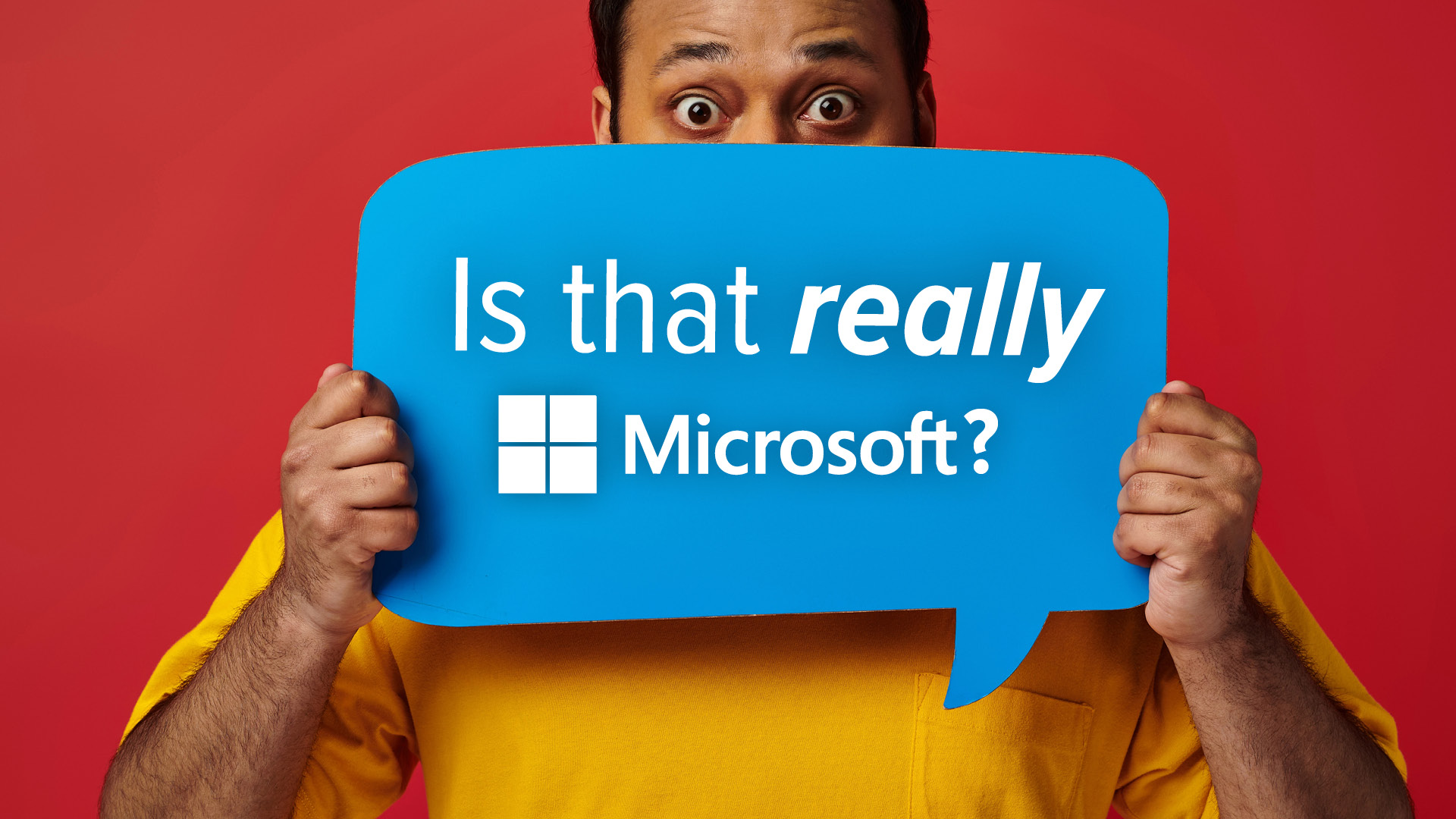
Be honest—when you see an email from Microsoft, do you open it without a second thought?
Of course you do. It’s Microsoft. One of the biggest, most trusted names in tech.
And that’s exactly why cybercriminals love impersonating them.
Microsoft is now the #1 most impersonated brand in phishing attacks worldwide.
A staggering 36% of brand-related phishing scams in early 2025 were fake Microsoft emails.
Google and Apple aren’t far behind. Together, these tech giants account for more than half of all phishing attacks.
Why? Because scammers know we trust these brands. And they’re betting that trust will make you click without thinking twice.
Phishing: The “Fake Email” Scam That’s Getting Smarter
Phishing isn’t new. But it’s evolved into a sophisticated art.
Here’s how it works:
- You get an email, text, or message that looks like it’s from Microsoft (or Google, or Apple…).
- It urges you to click a link, download a file, or “verify” sensitive information.
- You fall for it. Suddenly, your data is stolen, your systems are hacked, and your business is in chaos.
And these aren’t the clumsy scams of the past.
No more typos. No more sketchy links.
Today’s phishing emails look pixel-perfect.
• Real company logos
• Fake websites that are near-impossible to spot
• Spoofed email addresses like [email protected] (see that sneaky zero?)
Scammers are even branching out. Mastercard is the latest target, with fake sites designed to steal credit card info.
So… How Do You Spot a Fake?
Here’s your quick gut-check guide:
> Urgent demands? Real companies don’t threaten to lock your account if you don’t act immediately. That’s a scammer’s trick.
> Check the sender’s address—letter by letter. “Micros0ft.com” isn’t “Microsoft.com”.
> Don’t click links from emails you’re unsure about. When in doubt, go old-school: open your browser, type the official website address manually, and log in safely.
Stay Sharp. Stay Safe.
Phishing attacks are getting sneakier every day. But a little vigilance goes a long way.
Here’s what you can do:
>> Stay alert to suspicious emails
>> Use multi-factor authentication (MFA)
>> Invest in smart cybersecurity tools that can spot threats before you do
Remember: The more trusted the brand, the more likely scammers will use it to target YOU.
We help businesses like yours stay protected, prepared, and one step ahead of phishing attacks.
Want to safeguard your team? Let’s talk.
Related Articles
- The Hidden Dangers of Public WiFi: Free Convenience Comes With a Cost
- Beware of Deepfakes! Learn How to Spot the Different Types
- Be Careful When Scanning QR Codes – There’s a New Scam Going Around!
- Scam Ahead! Watch Out For That Email Attachment!
- Beware Imposters! New Phishing Scam Uses Impersonation to Trick You